
Backups that run themselves.On Plasma. With restic.
Pick what and where. Kestic does the rest and shows you the restic command behind every run.
- Today
- Back up to a local folder or drive, or a REST server.
- Not yet
- Restoring in the app (restic restores your snapshots meanwhile), SFTP, S3 and other backends, guided first-run setup.
- Runs on
- Plasma 6.6 with KDE Frameworks 6.24 or newer: TUXEDO OS 24.04 (tested), Kubuntu 26.04, KDE neon. Needs restic 0.18.0 or newer.
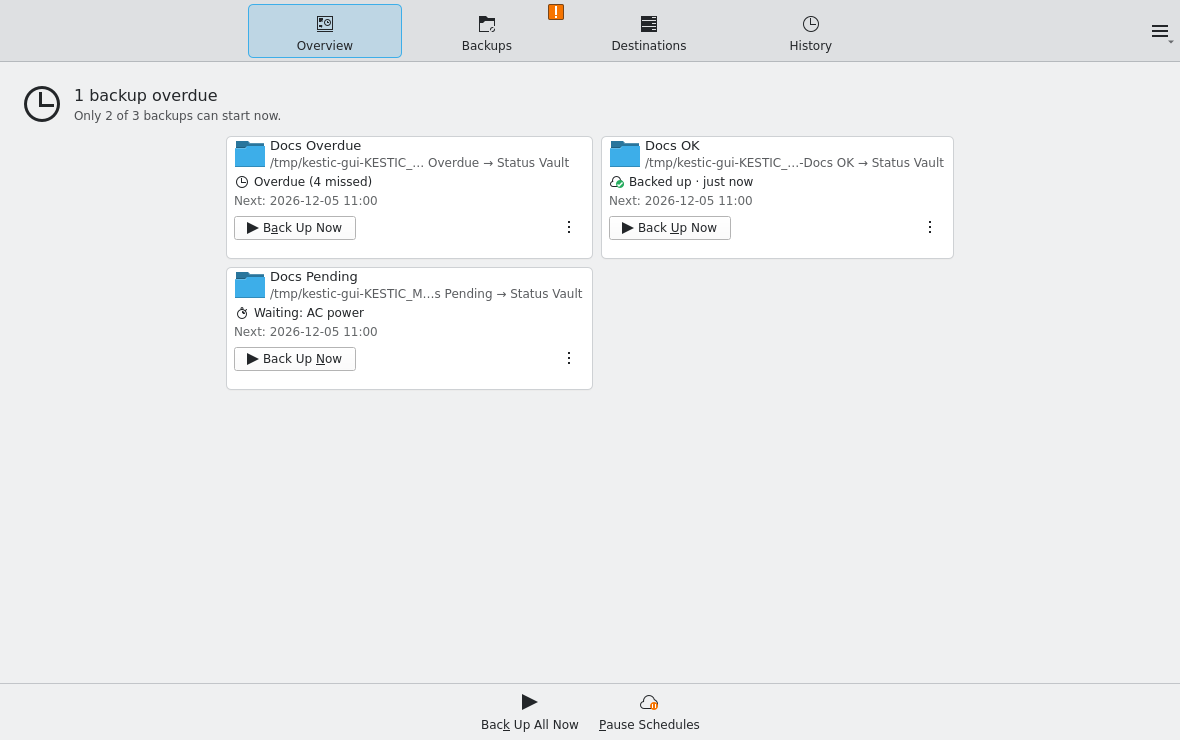
Rendered by the test suite at 559bc7d, like every screenshot on this page.
What it does
All of this works today. Still missing: restoring in the app, backends beyond local and REST, and a guided first-run setup.
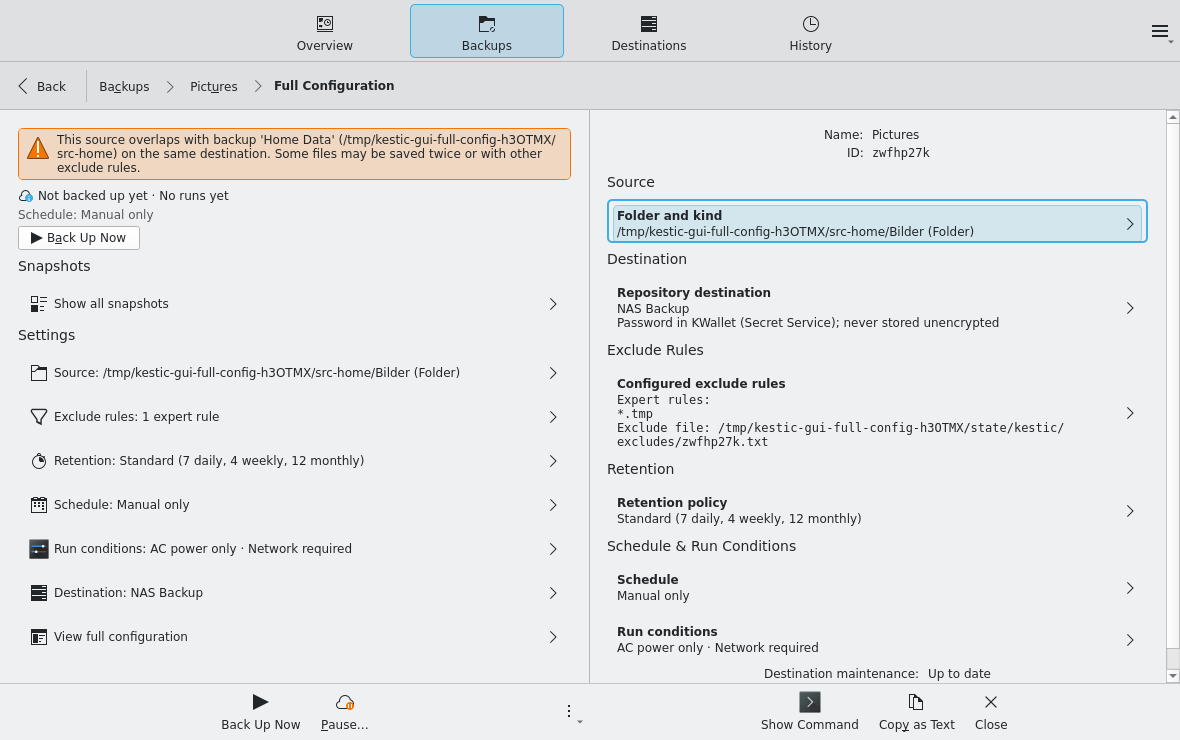
- 01Exclude rulesPick folders to skip, or switch to expert mode for raw restic patterns. A linter flags exceptions that can never match.
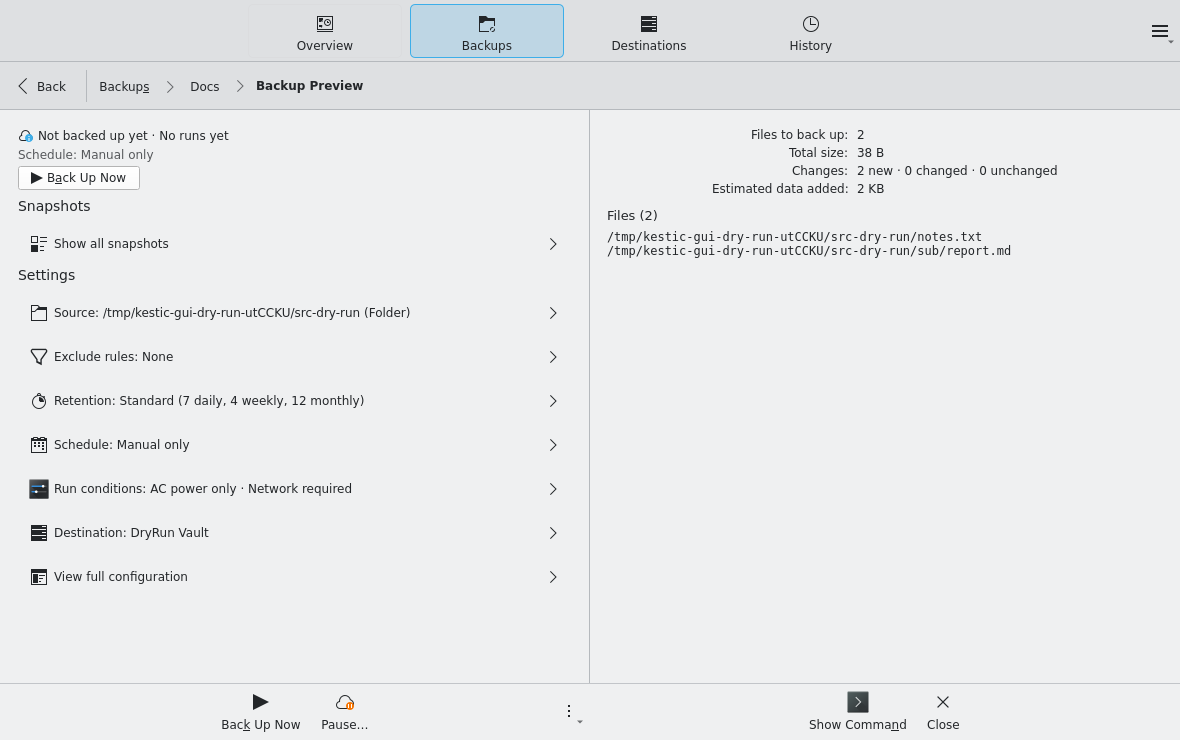
- 02Backup previewA dry run lists the files a backup would include and how much data it would add, before anything is written.
- 03RetentionKeep the last few snapshots per hour, day, week, month, or year, or everything from a recent period. A preview shows which snapshots would go before anything is removed.
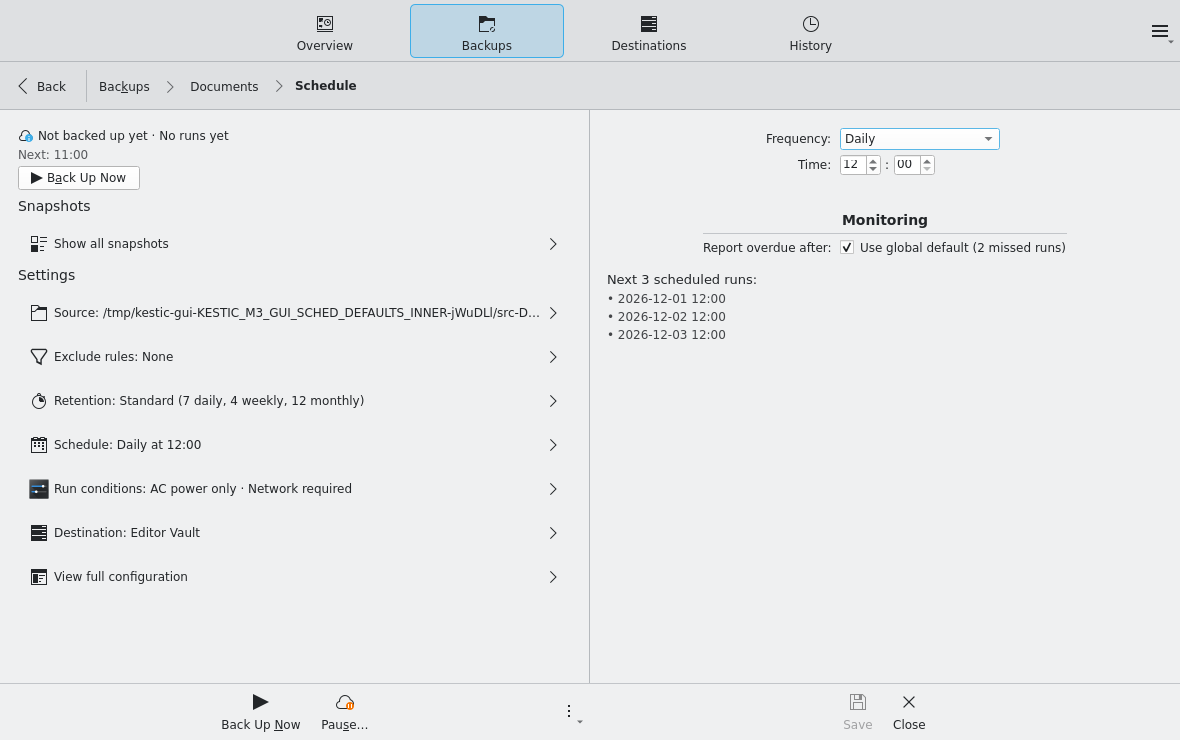
- 04ScheduleDaily, on chosen weekdays, weekly, or every few days. Runs missed during sleep or shutdown are caught up, an unreachable destination is tried again later, and overdue backups are flagged.
- 05Source checksA backup of an external drive waits until that drive is plugged in. Sources that overlap on the same destination are flagged.
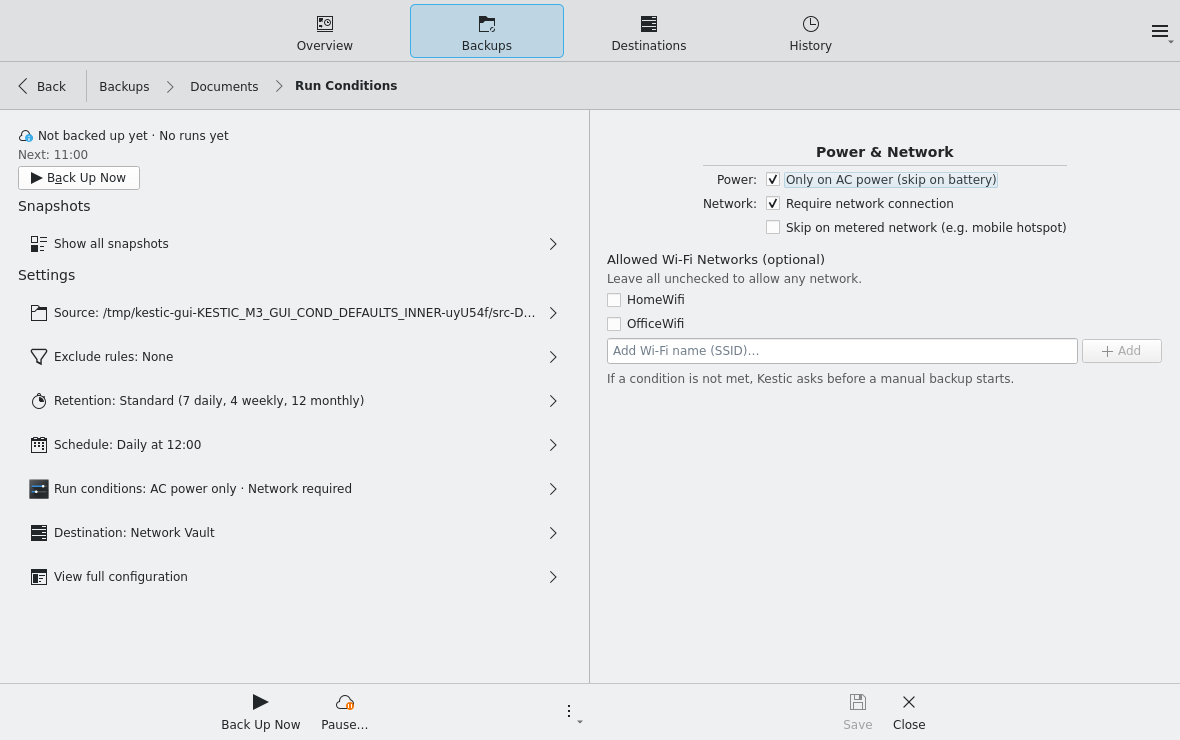
- 06Run conditionsOnly on AC power, only with a network, never on a metered connection, only on the Wi-Fi networks you allow.
- 07MaintenanceClean up frees the space of removed snapshots, Verify checks the repository for damage. Both run per destination on a calendar you set, wait for running backups, and start only on AC power and an unmetered network.
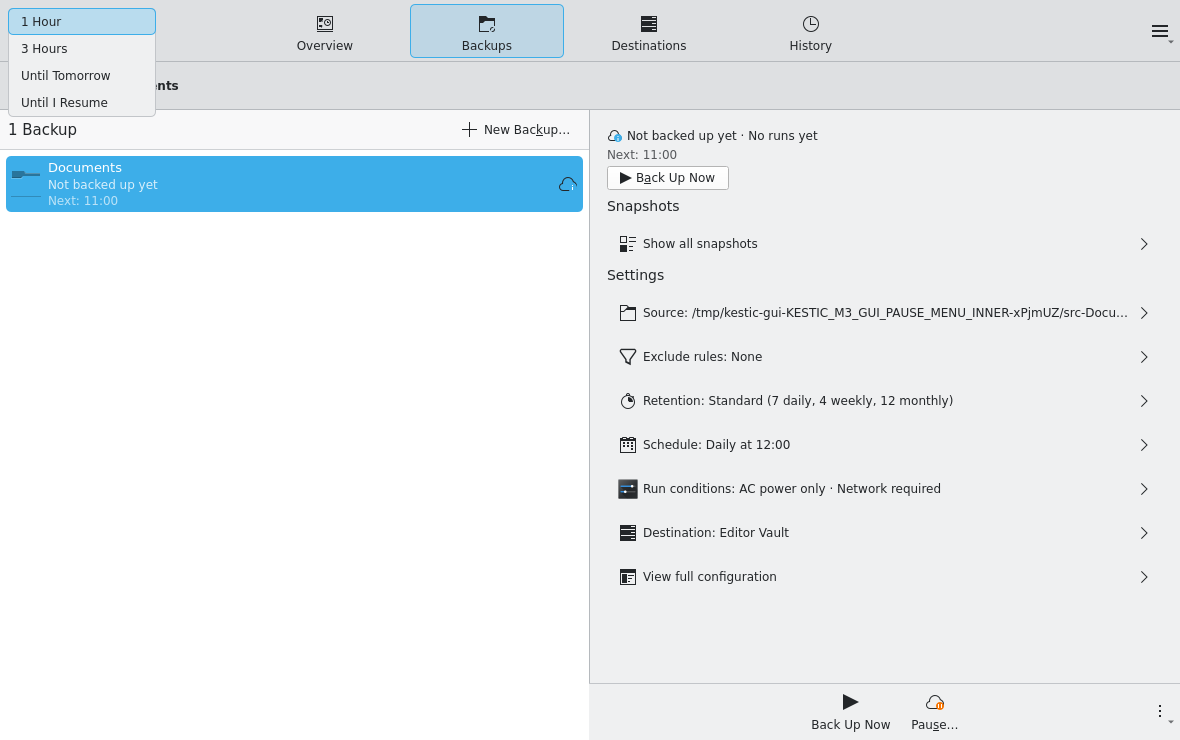
- 08PauseHold all schedules for an hour, until tomorrow, or until you resume. Manual backups still run.
- 09Native on PlasmaA tray entry, notifications, and progress in Plasma's notification area. Passwords stay in KWallet or another Secret Service password store.
Screens
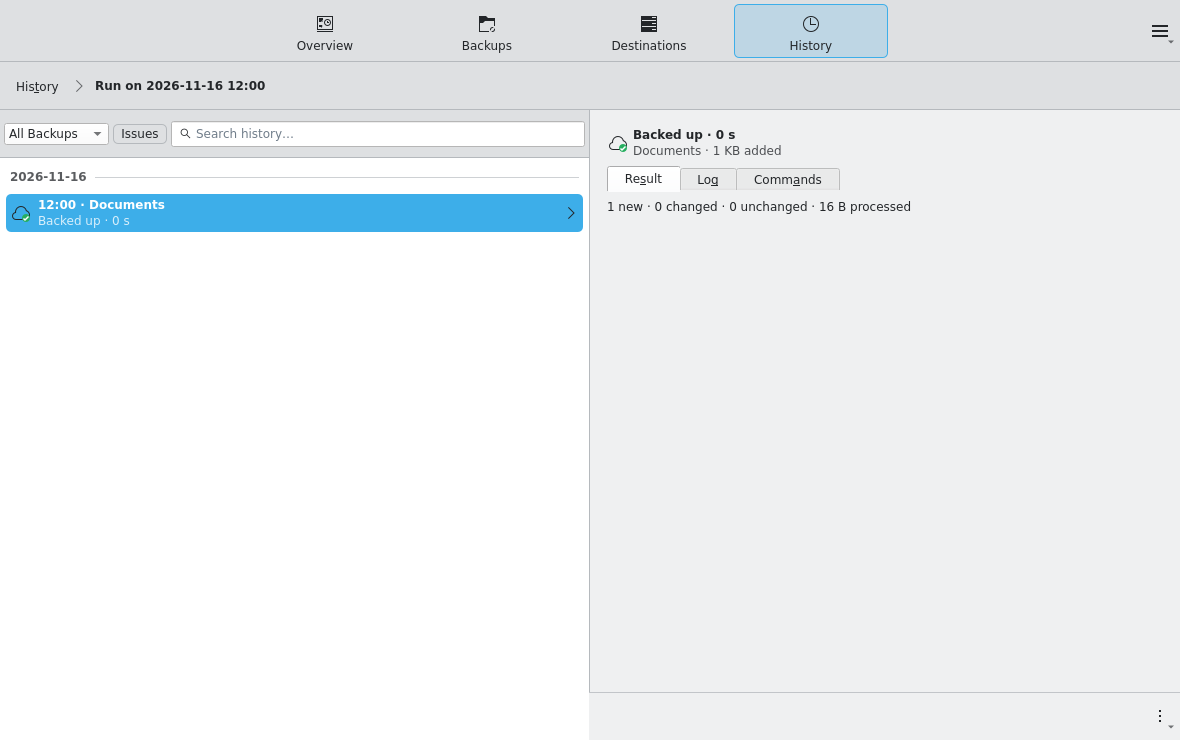
Real screenshots, taken by the project's automated GUI tests, so you see their test data. Select a picture to see the whole window.
Roadmap
4 of 7 milestones done. Next up: M4 Restore. Every story and acceptance criterion lives in the repository.
- M0SpikeToolchain proven: CXX-Qt, packaging, Secret Service, translations, tray.done
- M1Walking skeletonOne backup through every layer, from the window to restic and back, installable as a .deb.done
- M2Backup configurationExclude rules, retention with preview, source checks.done
- M3AutomationSchedule, run conditions, retries, overdue backups, maintenance, sleep.done
- M4RestoreBrowse and compare snapshots, restore files without overwriting existing ones.next
- M5Destinations and restic provisioningSFTP, S3, and the other restic backends, and a bundled restic where the system one is too old.planned
- M6Onboarding and securityGuided first backup in five steps, a recovery kit, and getting your data back on a new computer.planned
Plain restic underneath
Every backup and maintenance run is an ordinary restic command. Kestic shows it next to each backup and in the history of every run.
# What "Back Up Now" runs, as "Show Command" shows it (wrapped here)
RESTIC_PASSWORD_COMMAND='kestic secret get k3n8x2qd' \
  ionice -c 3 nice -n 10 /usr/bin/restic -r rest:https://nas.example/kestic \
  --json backup --tag kestic:va757a3y --group-by tags \
  --exclude-file /home/you/.local/state/kestic/excludes/va757a3y.txt \
  --exclude-caches -- /home/you
Passwords never appear on the command line or in a config file. restic asks for them through RESTIC_PASSWORD_COMMAND, and Kestic reads them from the password store.
- AppKesticKirigami window for setup, status, and history.
- D-BusBackground serviceStarts with your Plasma session and runs every backup, also with the window closed. No root rights, no systemd timers.
- ProcessresticSystem restic 0.18.0 or newer does the actual work.
- RepositoryDestinationA local folder or drive, or a REST server. SFTP, S3, and the other restic backends follow later.
Try it
There is no release yet, so you build the package yourself. The bootstrap script installs the Rust toolchain, the Qt and KDE development packages, and cargo-deb.
git clone https://github.com/Swissbite/kestic.git && cd kestic
./scripts/bootstrap.sh
just deb
sudo apt install ./target/debian/kestic_*.deb
Then open Kestic from the application menu. From now on its background service starts with your Plasma session. Building and testing in detail